
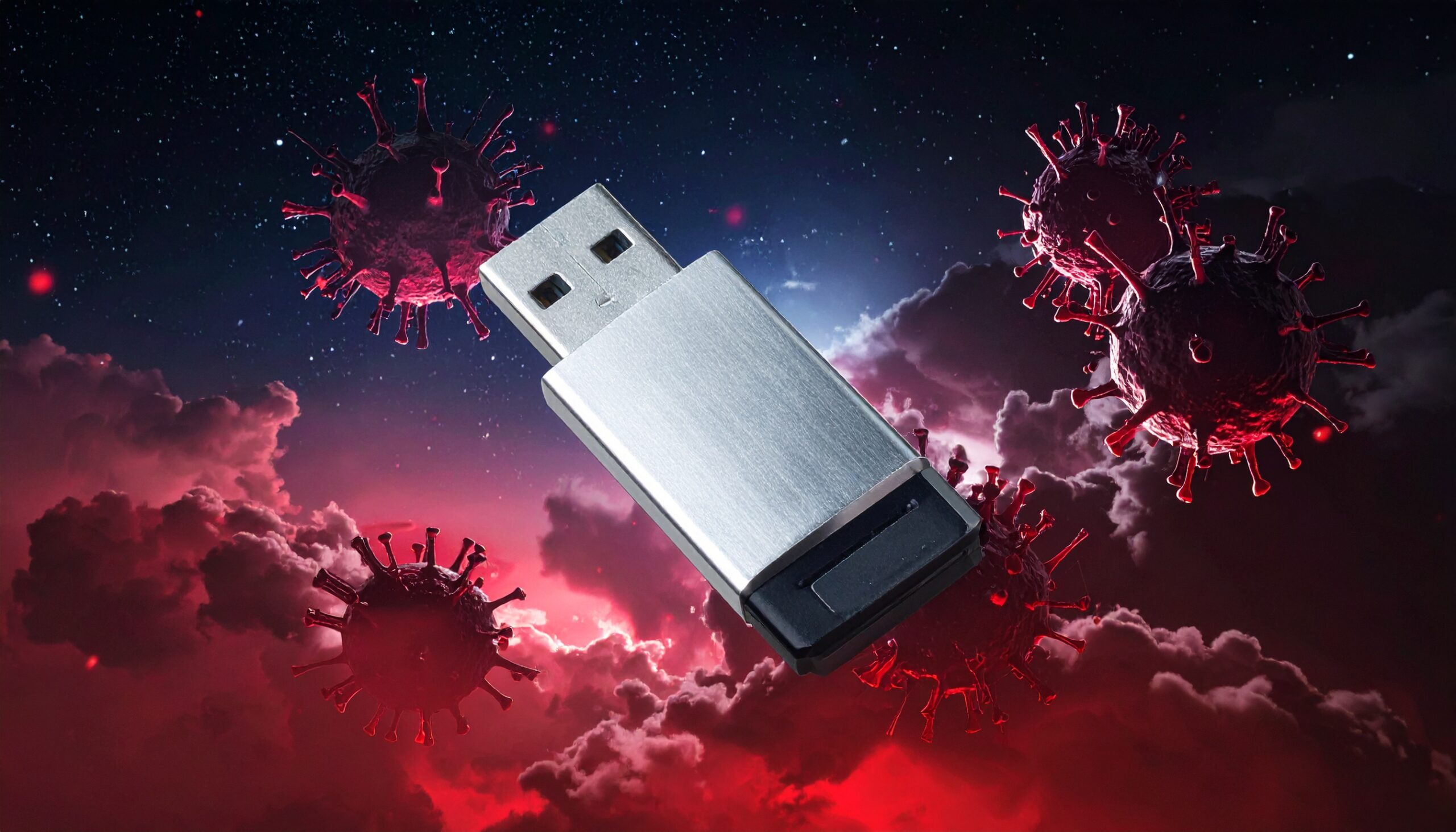
Your USB Stick Could Be Draining Your Crypto Wallet. A new piece of malware is hiding on USB drives and quietly redirecting crypto payments before you even notice.
USB drives have been with us for decades, and most people think of them as something harmless. We tend to use them to move files around, share documents, store backups, or even for watching movies on smart TVs. They’re an everyday piece of tech, nothing which raises a red flag in 2026. But Microsoft’s security team has just discovered otherwise. A newly discovered strain of malware is spreading through USB flash drives and stealing cryptocurrency.
A Copy and Paste Theft
The malware works by replacing files on a USB drive with malicious shortcut files. These shortcuts are disguised to look legitimate, but once they’re clicked the infection begins. With the malware silently installed, it’s able to run continuously in the background without any signs of malicious activity.
Once active, the malware starts doing two very dangerous things. First, it scans your clipboard every half second. If you’ve copied a crypto wallet address to paste into a payment field, the malware swaps that out for a malicious one. And this fake crypto wallet address is controlled by the attackers. While you think you’re sending funds to the intended person, you’re not. Instead, the money goes straight to the attackers.
Its second attack method is to hunt for seed phrases. These are the 12 or 24-word recovery phrases that grant complete access to a crypto wallet. If one of those phrases is pasted to your clipboard, the malware captures it and sends it to the attackers. This, along with screenshots of your screen, gives them more information of the cryptocurrency you hold. Microsoft has revealed that Bitcoin, Tron and Monero wallet addresses are all being targeted by the attackers.
As ever, the hackers appear anonymous. The malware uses an encrypted network to transmit stolen data, making it harder for anti-malware tools to identify the outgoing data as suspicious. Worst of all, any new USB drives plugged into an infected PC also become infected. This infection method has allowed the malware to spread rapidly.
Three Ways to Stay Safe from Malicious USB Drives

Your organization may not be involved with cryptocurrency, but the threat of malicious USBs is a tried and trusted attack method for hackers. The good news is that, even without technical expertise, you can protect your PCs and networks with our three top tips:
- Check That AutoPlay is Turned Off: While AutoRun on USB drives has been blocked by Microsoft for years, AutoPlay can still be toggled on and off. Making sure it remains disabled removes another potential entry point.
- Block Shortcut Files from Running On USB Drives: Blocking shortcuts from running directly from removable drives instantly reduces your risk. To action this, use Group Policy or AppLocker to set up rules which block shortcut execution from removable drives.
- Never Plug In an Unverified USB Drive: The danger of a USB drive is that it could contain anything. It’s most likely it will contain some genuine files, but it could also contain dangerous malware. If you find a USB drive and want to use it, make sure an IT professional has verified its safety first.
For more ways to secure and optimize your business technology, contact your local IT professionals.