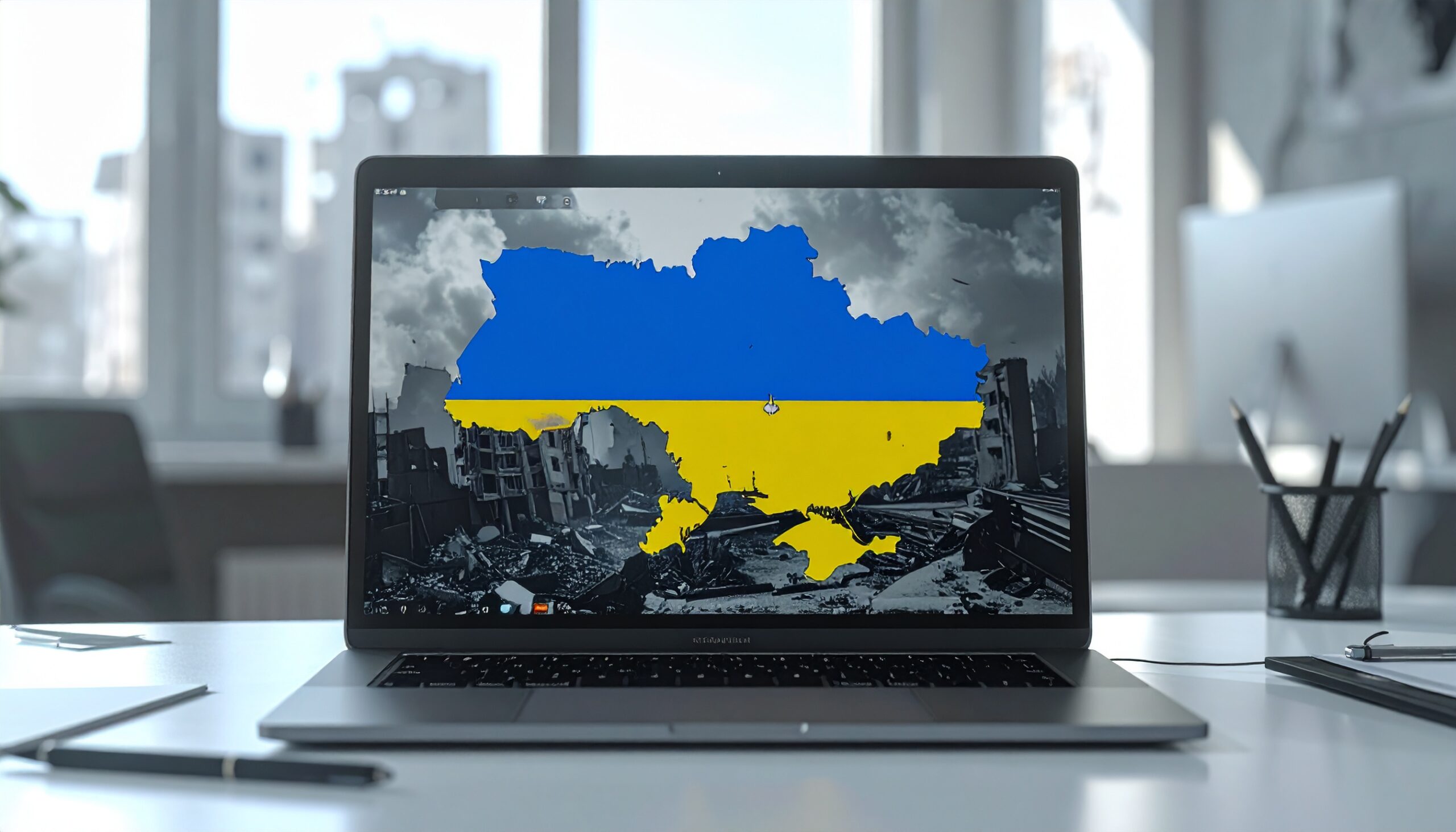
How OYSTERFRESH Is Powering New Phishing Attacks on Ukraine. Members of the Ukrainian government have been targeted by a new wave of phishing attacks aimed at stealing sensitive data.
This new attack uses phishing emails which, at first glance, look like official government documents. Within these documents are links or attachments, all of which appear to be harmless. However, they’re very dangerous and lead to malware known as OYSTERFRESH. Once this malware has been activated, OYSTERFRESH gives the attacks a foothold into internal systems and allows them to harvest data.
The attacks have been linked to a cyber group known as Ghostwriter, which has previously targeted government organizations in Eastern Europe.
The JavaScript Trick Behind the Curtain
Nothing about the OYSTERFRESH attack immediately looks dangerous, and this is what makes it such a powerful strategy. Once a user clicks on a malicious link or attachment, the attack often uses embedded JavaScript to run malicious activities quietly in the background. The malicious links and attachments tend to redirect victims to convincing looking webpages or document viewers. This, coupled with emails pressuring recipients into completing urgent actions, makes them highly effective.
Often, the JavaScript will run through multiple steps before the victim even notices anything suspicious. One of the most critical steps in the attack is when OYSTERFRESH, a loader, is activated. OYSTERFRESH acts as a delivery mechanism, downloading additional malware once the initial script has completed. Therefore, PCs are gradually infected, ensuring that the malware remains hidden for longer. This is perfect for hackers as it gives them more time to monitor networks and harvest data.
The attack chain follows a multi-step infection process and harnesses tried and trusted psychological tricks to achieve its objectives. It’s an increasingly popular form of cyberattack, and one where the weakest point is the person receiving the email.
STAYING SAFE
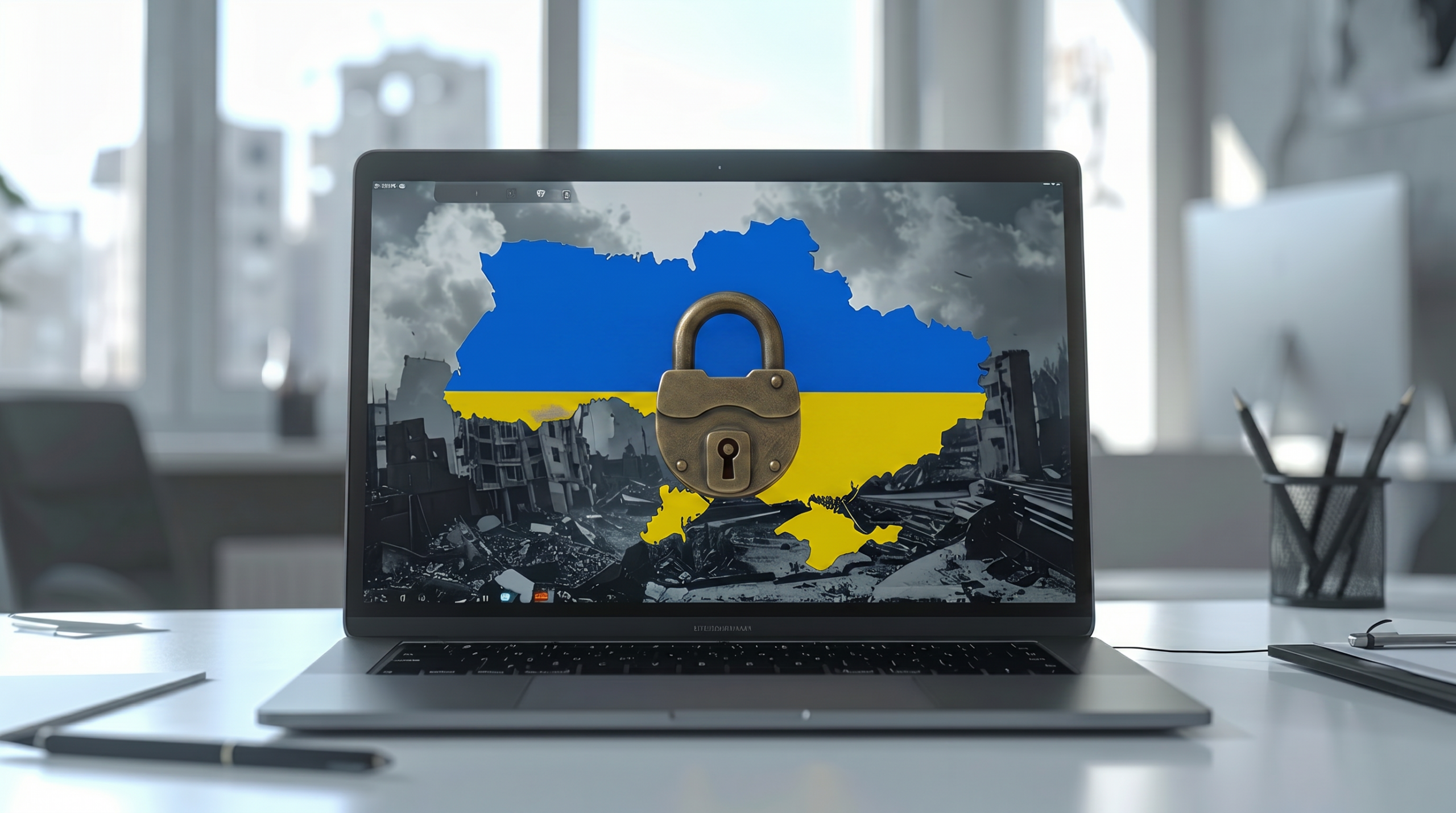
Although this attack is tailored towards Ukrainian government workers, the techniques could easily be used against your own organization. Luckily, while they may be sophisticated attack methods, they still rely on basic mistakes being made by PC users. Accordingly, it’s relatively simple to keep your IT infrastructure safe:
- Always Verify Links and Attachments: Even if a link or attachment appears genuine, it’s important that you take the time to evaluate the risk. If it’s an unexpected email from an unknown source, this should instantly ring alarm bells. But don’t forget, even genuine email accounts can be hacked and used to distribute malicious content. Always hover over links to confirm the exact destination and, if in doubt, contact the sender by phone to verify that it’s legitimate.
- Be Cautious of Login Pages: You should always head to official login pages through your bookmarks or other verified sources e.g. on a platform’s official homepage. The problem with login links sent via email is that they can easily send you to a malicious website.
- Embrace Multi-factor Authentication: Make sure that your organization uses multi-factor authentication to strengthen your IT defenses. This method requires you to complete a further security step following password verification e.g. entering a one-off code sent to your email address. This means that a stolen password is not enough to breach your defenses.
For more ways to secure and optimize your business technology, contact your local IT professionals.