
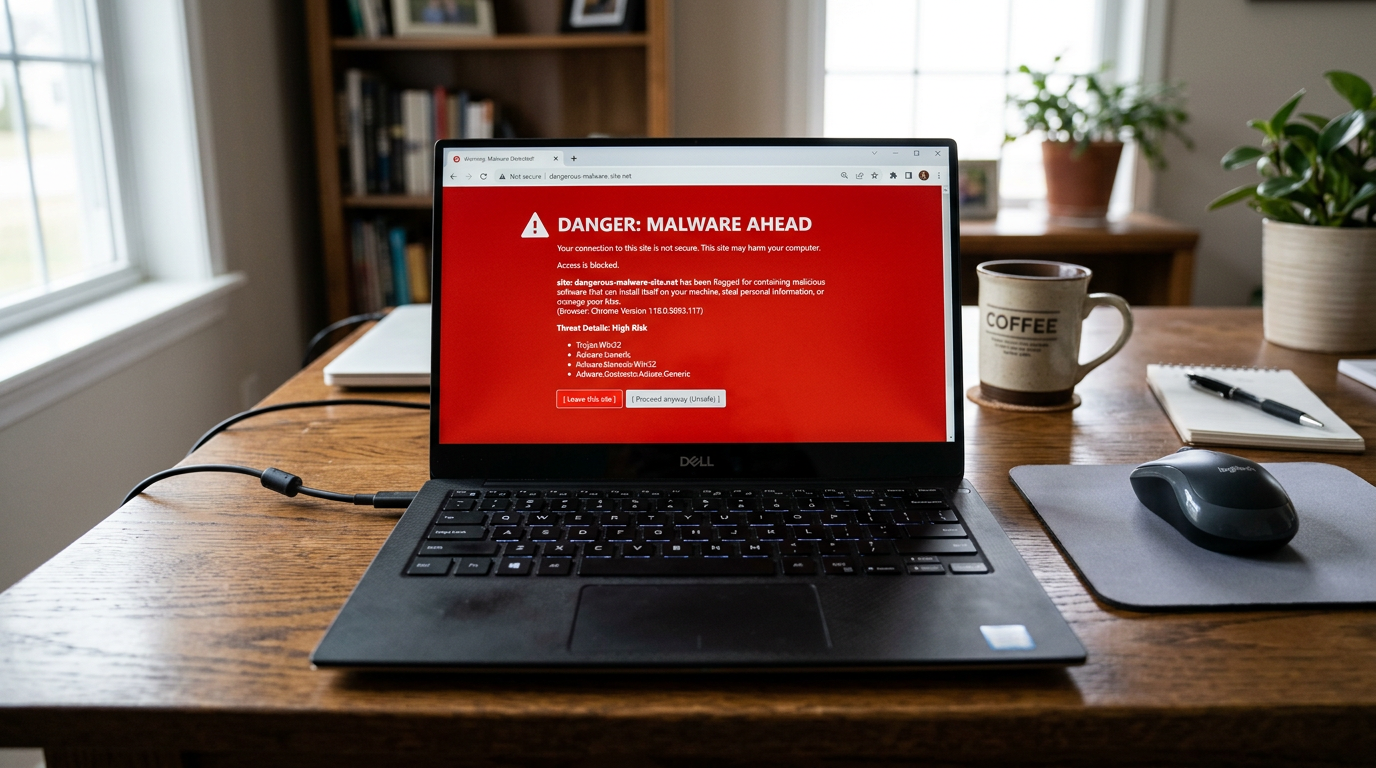
How Fake Browser Extensions Stole Your Passwords. Microsoft has had to pull 119 browser extensions from its Edge store after finding they were hiding malware inside images.
If you use Microsoft Edge, there’s a good chance you’ll have installed a browser extension at some point. These are small add-ons but deliver powerful results. Sitting quietly in your browser, they can block ads, translate webpages, download videos, or even find you the best discount code for your online shopping. Most are harmless. But some can be very dangerous.
For years, up to 2.6 million Edge users had unknowingly installed some of these more sinister extensions. All of these have been linked to a single coordinated campaign which has been named StegoAd.
StegoAd: Hidden in Plain Sight
As with all effective hacking campaigns, StegoAd’s strength lay in the fact that it was quiet, patient, and well hidden. The affected extensions did exactly what they claimed to do when you first installed them. If they promised to block ads or translate text, they did it. For the user, it was a case of so far, so good.
However, the hidden malicious code was simply lying dormant, waiting for the perfect opportunity to strike. When it did activate, it chose to hide somewhere different. Rather than lurking in a system folder, StegoAd decided to hide itself within image and font files. This ensured that antivirus software would never flag it as suspicious.
This technique is called steganography, whereby fully executable code can be hidden within seemingly innocent files. It’s not the most common method of hacking, with Microsoft going as far as saying it’s a rare approach, especially within the browser ecosystem. This is why the campaign managed to run undetected for so long. Security researchers estimate that it’s been active for at least five years.
Once the malicious code was activated, it took two different routes at once. At first, users may have noticed some unusual – if not highly suspicious – activity. Strange ads may have been popping up, search results quietly redirected, and shopping links hijacked to send commission elsewhere. However, beneath all of that, something far more serious was happening.
The malware was cleverly designed to steal Google passwords and two-factor login codes as they were typed into Edge. Furthermore, it targeted login credentials for WordPress sites and harvested browser cookies. With those cookies, the attackers could access your accounts without your password. StegoAd also had the capacity, in certain variants, to receive new code from remote servers, meaning that the malware could be updated with ease.
Protecting Your PC from the Threat of StegoAd
Microsoft has acted quickly and removed all 119 extensions and suspended the developer accounts behind them. But this only means that this particular campaign has been halted. It’s likely that other infected extensions are out there. Accordingly, you need to take the following steps to stay safe:
- Audit your extensions: Check through your browser extensions page – do this by clicking the extension symbol next to your browser toolbar – and have a look at what’s installed. If you don’t recognize something or can’t remember why you installed it, remove it. If you genuinely do need it, you’ll remember why and can re-add it later.
- Update your passwords: If you’ve used Edge and installed any extensions in the last five years, it’s worth changing your passwords for any important accounts e.g. email and banking accounts. Also, make sure you enable two-factor authentication using an authenticator app, this is harder to compromise than text message codes.
- Only install trusted extensions: Before you add anything new to your browser, always check recent reviews, research the developer, and check how many users it has. If something feels off about any one of these elements, skip it and look for something more trustworthy.
For more ways to secure and optimize your business technology, contact your local IT professionals.