Cybercriminals are always trying to catch us out, and the latest threat doesn’t arrive in a suspicious email. Instead, it’s hiding in a QR code.
The internet has been an everyday part of our lives for a quarter of a century now. In this time, we’ve learned how to identify the warning signs of a cyberattack. We all know that links in emails from strangers should ring alarm bells and that popups are never to be trusted. So, our defenses have certainly been raised. But this also means that cybercriminals have had to up their game. One of their latest attack methods is called quishing, and its usage has surged by 146% in 2026.
What Exactly Is Quishing?
You may have noticed that quishing sounds suspiciously like phishing. This is because, essentially, it is phishing. But instead of a malicious link, it uses a QR code to carry out its attack.
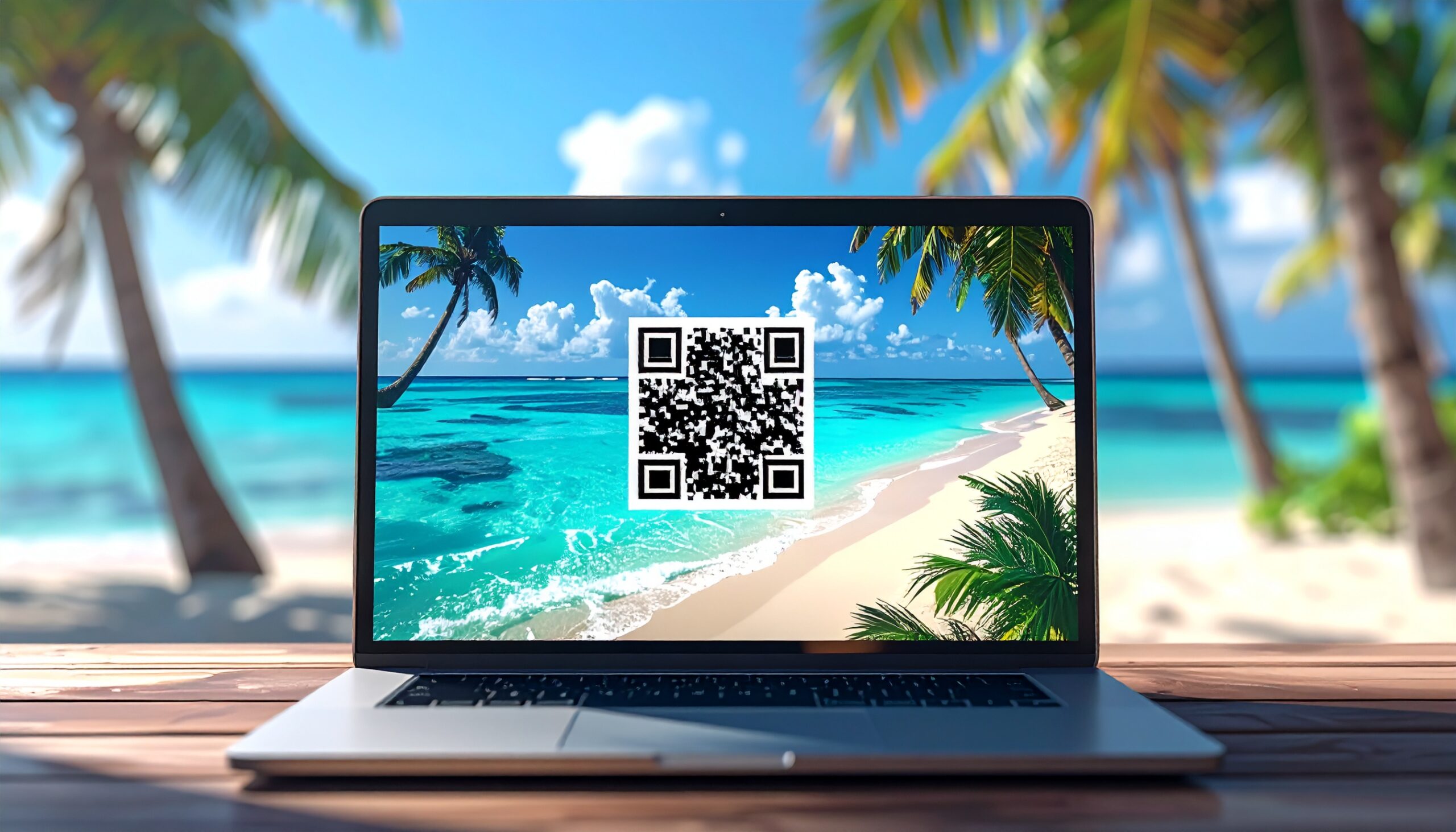
QR codes are everywhere today. You’ll find them in emails, printed on posters, and even in restaurant menus. They’ve become normalized, and this is what cybercriminals are now exploiting. They look harmless, a small, pixelated square which promises to take you somewhere with a single scan. These malicious QR codes, however, are being used to redirect people to malicious websites which steal your credentials or install malware.
Most security tools and spam filters are designed to scan links and attachments for threats, but they can’t evaluate a QR code. Therefore, the malicious URL remains hidden inside an image. This makes it much easier for cybercriminals to launch their attacks. These attacks are typical of campaigns we’ve seen before: a user is redirected to a fake login page (such as Microsoft 365 or a bank) and asked to enter their credentials. This data is then harvested and used to take control of your accounts.
How Is This Different From Traditional Phishing?
Phishing attacks have always focused entirely on PCs and laptops. This is beneficial to organizations as their IT teams have, hopefully, secured these devices against phishing attacks. Quishing, however, does something different. By encouraging victims to use their personal smartphones, the attack is being moved to unsecured devices outside of your business. This becomes a problem for your organization when the QR code takes victims to a malicious page which mimics your company portal. Hackers can then steal login credentials and gain quick, easy access to your network.
Keeping Yourself Safe from Quishing
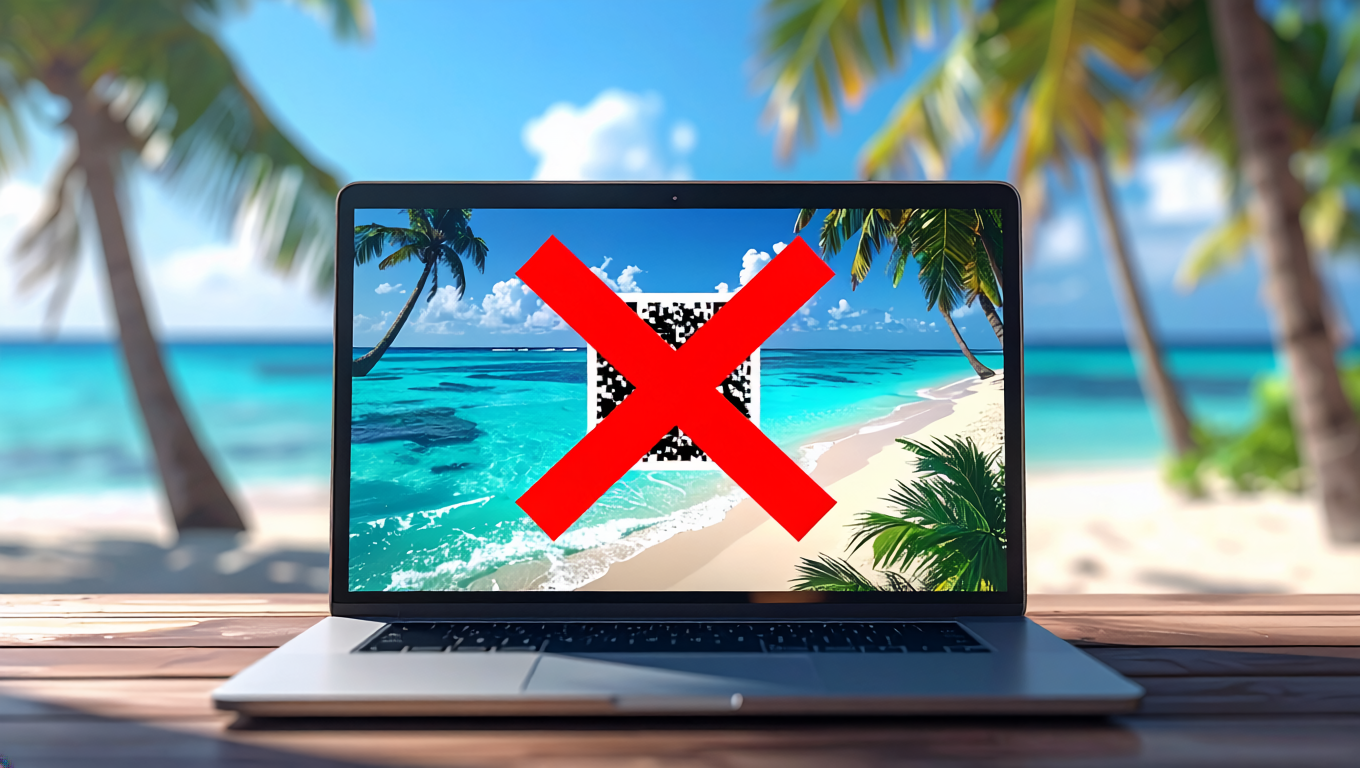
Quishing is a new threat, so it’s important that you understand how to stay safe. This minimizes the risk of your device becoming compromised and protects your data. Here are Ophtek’s three top tips to keep yourself safe:
- Treat QR Codes Like Links: A QR code is exactly the same as a link, it just looks different. Before you scan one, always ask yourself whether you were expecting this code. Also, is the source trustworthy? Always be cautious of any QR codes which appear unexpectedly in emails, through messaging apps, and even the mail.
- Preview the URL Before You Open It: Most smartphone cameras will show you a preview of the destination link before you click it. Make sure you take a second to check it looks genuine. If there are any odd spellings or it looks unfamiliar, don’t click it.
- Report Suspicious Codes: If you receive a QR code and something feels off about it, report it to your IT team. It’s always worth double checking, and an IT professional will know the best way to verify if a QR code is genuine or not.
For more ways to secure and optimize your business technology, contact your local IT professionals.