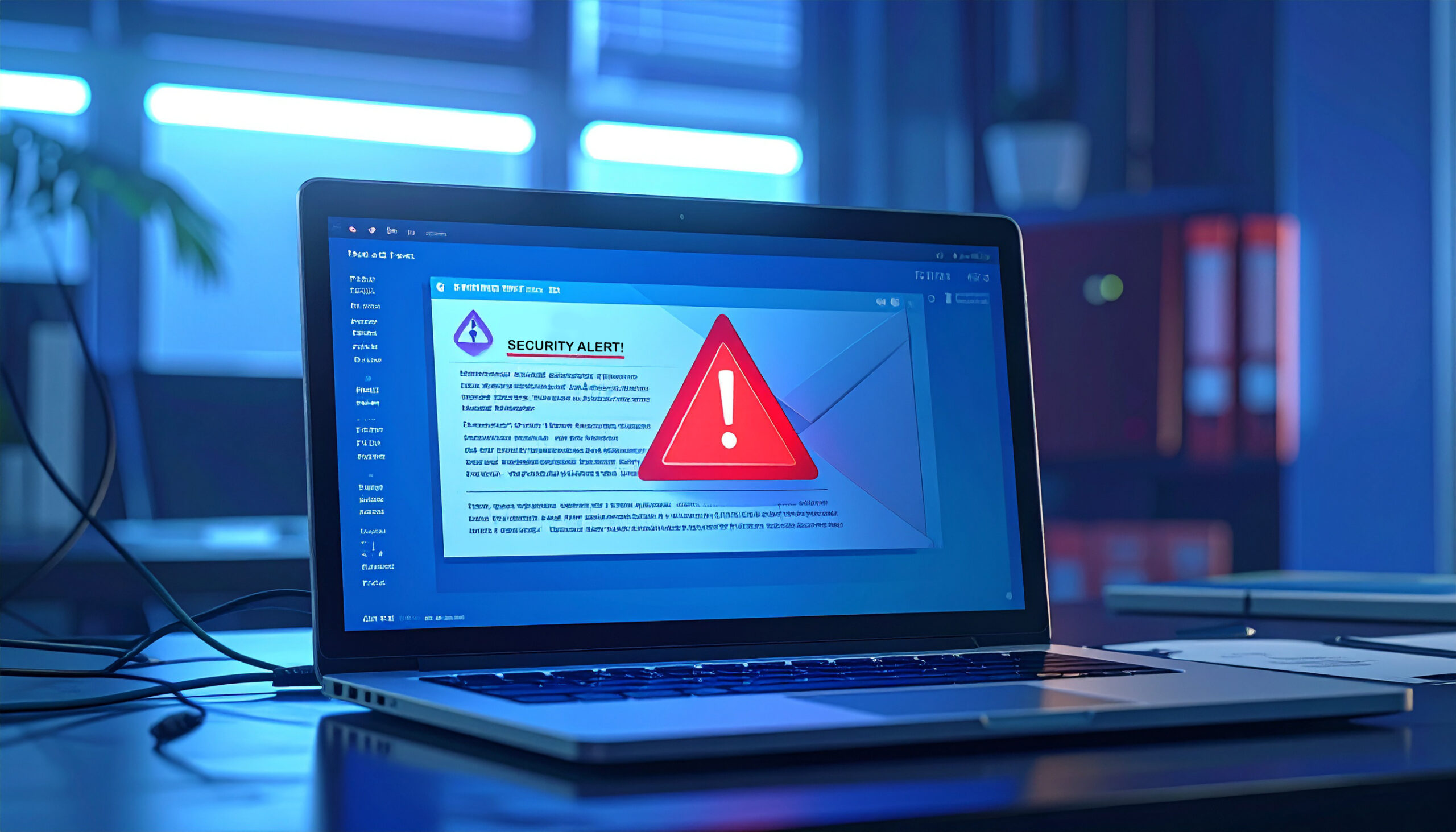
Why You Should Think Twice Before Trusting IT Support. A supposedly helpful message from IT support could be all it takes for hackers to get into your PC.
Most people are used to receiving messages from their IT team. After all, we regularly raise tickets for IT support, so there’s usually a valid reason for them to be getting in touch. This can be via email or even through Microsoft Teams. That familiarity is why this latest attack has been so effective. Hackers have been posing as IT support staff and contacting employees directly, pretending to offer support for technical issues or security concerns. To the average PC user, it all feels very routine. But, in reality, it’s much more dangerous.
How the Attack Actually Works
The attack starts with a mass email campaign, bombarding employees with alerts regarding a security breach. This is usually enough to make most people feel nervous. With this in place, the hackers next move is to make contact through Teams and create a sense of urgency. Typically, this will follow a script which claims there’s an account issue or that your device needs checking remotely. To provide this help, the “IT support” will push you to download a file and install a remote access tool.
This remote access tool, when active, allows the attack to kick into overdrive. Serving as a gateway for the SNOW malware, it enables the hackers to move throughout your IT infrastructure, harvest data, and potentially burrow deeper into your network. The most concerning aspect of this approach is that it all feels very human. There’s no phishing email full of suspicious signs to ring alarm bells, just real-time human interaction. If you have a quick question, the attacker has time to respond and put you at ease.
And once they have access, the hackers can easily install additional malware. Over time, your IT systems can become riddled with malware, your data put at risk, and your company’s reputation placed on the line. Unfortunately, with these sorts of attacks, by the time the alarm is raised, the damage is already done.
Simple Habits To Keep You Safe
Microsoft Teams is a crucial element of modern business, so you can’t just delete Microsoft Teams to stay safe. Instead, you need to work a little smarter. And the good news is that you only need to employ a little caution. Ophtek recommends that you follow these best practices to keep your IT infrastructure safe and secure:
- Always Verify Unexpected Messages: If you’re not expecting a message from an IT professional, or something feels off, verify these requests by phoning your IT team directly. Speaking to a real person on a verified phone number is the quickest way to establish whether it’s legitimate or not.
- Never Install Software Via Chat: You should only ever allow software to be installed on your PC if you know where it’s coming from and who’s installing it. A random chat message, especially one urging you to install software you didn’t know you needed, should always be scrutinized. You should never feel any pressure to click on a link.
- Urgency is Always a Threat: Genuine IT support workers are highly unlikely to ever pressure you into acting immediately. If they’re legitimate, they should welcome any caution you display, as it indicates a security-minded approach. Rather than pressuring you, they should suggest alternative methods of verifying their identity and objectives e.g. contacting their official helpline to confirm their intentions.
For more ways to secure and optimize your business technology, contact your local IT professionals.