One of the biggest security risks facing organizations is weak password habits. Therefore, it’s crucial that you know what these are and how to fix them.
We all use passwords on a daily basis, from logging onto our PCs through to accessing internal databases and external platforms. A password represents your strongest form of cybersecurity defense, but sometimes they’re not as strong as they should be. This puts your IT infrastructure at risk of being compromised. All a hacker needs is a single entry point to cause chaos, and a compromised password allows them to achieve this.
Ophtek, as ever, wants to keep you and your systems safe and secure, so we’re going to show you five types of password mistakes that put your business at risk.
The Five Common Password Mistakes You’re Making
Interested in strengthening the security of your passwords? Well, you’re in the right place! And the good news is that it’s easy to take your passwords to a new level of security. The five most common password mistakes that put businesses at risk are:
- Reusing the Same Password: The sheer number of passwords we now use can make remembering all of them difficult. Consequently, many PC users resign themselves to recycling the same password across multiple apps and platforms. While this minimizes the risk of forgetting your login credentials, it also heightens the risk of cybercriminals successfully gaining access to multiple accounts if they get hold of your password. The simple fix? Use a password manager like Google Password Manager.
- Weak or Predictable Passwords: You may not be aware, but hackers don’t have to manually guess passwords. They have free and easy access to software which can test millions of common combinations in seconds. Therefore, you need to make your passwords more complex. Aim for at least 12 characters, including multiple different words, numbers, and characters e.g. SecurityRules2468?
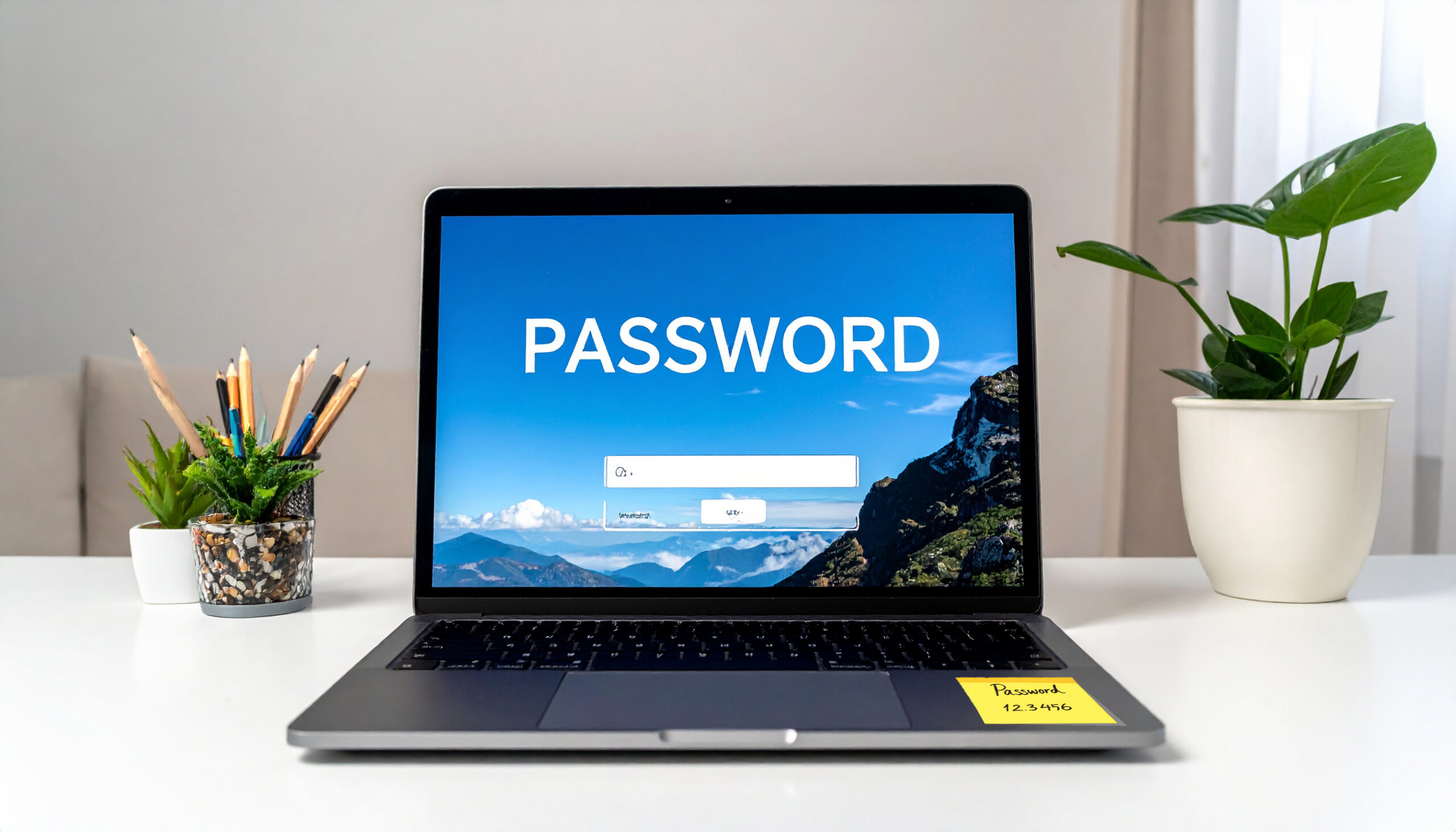
- Writing Passwords Down: Yes, even in 2026, people are still writing passwords on sticky notes and attaching them to their PC screen. Writing them down in a book is equally dangerous. This, again, is one of the main reasons why you need to leave old habits behind and embrace the security of a password manager.
- Sharing Logins: It may seem easy to share logins between staff members, especially if someone has got themselves locked out of their account. Unfortunately, this approach damages any sense of accountability. A shared login makes it difficult to see who has accessed what in the event of a security incident. To combat this, educate your staff on the dangers of sharing logins and the potential consequences.
- Not Using Multifactor Authentication: Even the strongest password is at risk of being stolen, so you need to have a contingency plan in place. The perfect solution is multifactor authentication. This involves placing an extra layer of security between your network and the outside world. For example, it could involve sending a unique code to your phone or authentication app to verify that the authorized password holder is trying to log in. It’s simple and, if available, should always be switched on.
For more ways to secure and optimize your business technology, contact your local IT professionals.