
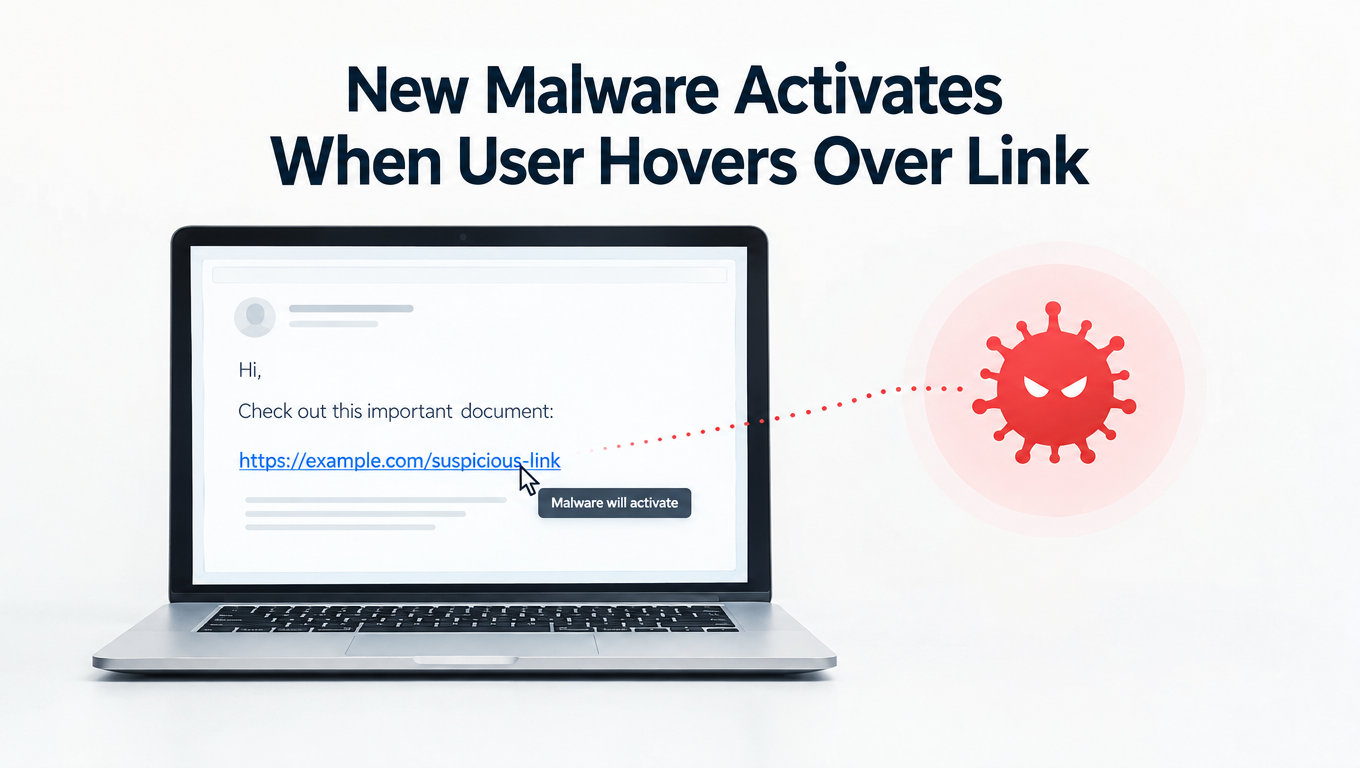
New Malware Activates When User Hovers Over Link. We’re well aware that clicking a suspicious link is bad news, but a new type of malware can be activated when a user merely hovers their mouse over it.
One of the most important lessons in combatting malware is that you should never click on a link you don’t recognize. Clicking on such a link can quickly turn your PC over to hackers and compromise the security of your data. Traditionally, the advice has been to hover over any suspect links to reveal a pop up window with the true destination of that link. However, as malware seems to be evolving at a rapid pace, hackers have now found a way to exploit hovering over links.
As this threatens to redefine the nature of safe computing, understanding this new danger and how you can prevent yourself becoming a victim is crucial. And that’s why I’ve decided to give you a quick run through this threat.
Don’t Click That Link (Or Hover Over It)
Operating under a number of different identities such as OTLARD and Zusy, the malware that we’re focusing on today takes the form of a banking trojan. However, whereas trojans usually rely on the usage of scripts and macros to activate their malicious activity, this new form of malware brings an innovate approach to hacking.
Using a PowerPoint file, the hackers have decided to utilize the Windows Powershell tool (generally used for task automation) in order to dupe PC users into activating the malware. Within this PowerPoint file lies a hyperlink in the center which reads “Loading… Please Wait”. On older versions of Microsoft Office, just hovering over this link is enough to activate it. And this particular trojan is highly keen on stealing personal credentials and banking information, so it’s one of the last pieces of malware you want to activate.
How to Avoid This New Threat of Hovering
Due to this evolution in malware techniques, hovering over a link is now a dangerous choice to make. Therefore, the simplest way to combat this evolution is by never hovering over any links you feel could be dangerous. However, this latest attack – which has now died down since the end of May in terms of numbers – brings a couple of reminders to the forefront of PC security.
Perhaps most importantly, the use of out-dated software has again proved to be the underlying factor in the majority of these infections. Newer editions of Microsoft Office issue a warning over the links found in malware such as OTLARD and Zusy, so this warning system can make a real difference in making sure you go nowhere near the malicious link.
Likewise, the lack of diligence in identifying suspicious documents is also culpable for the blame. The emails sent out in the case of OTLARD and Zusy claimed to be related to invoices and order numbers for vague services. Whilst human error and confusion will always ensure that these documents are opened in some cases, there’s little excuse for engaging with the contents of these emails. And, when hackers are consistently changing the goal posts, you need to be very careful when emails contain links and/or attachments.
For more ways to secure and optimize your business technology, contact your local IT professionals.