
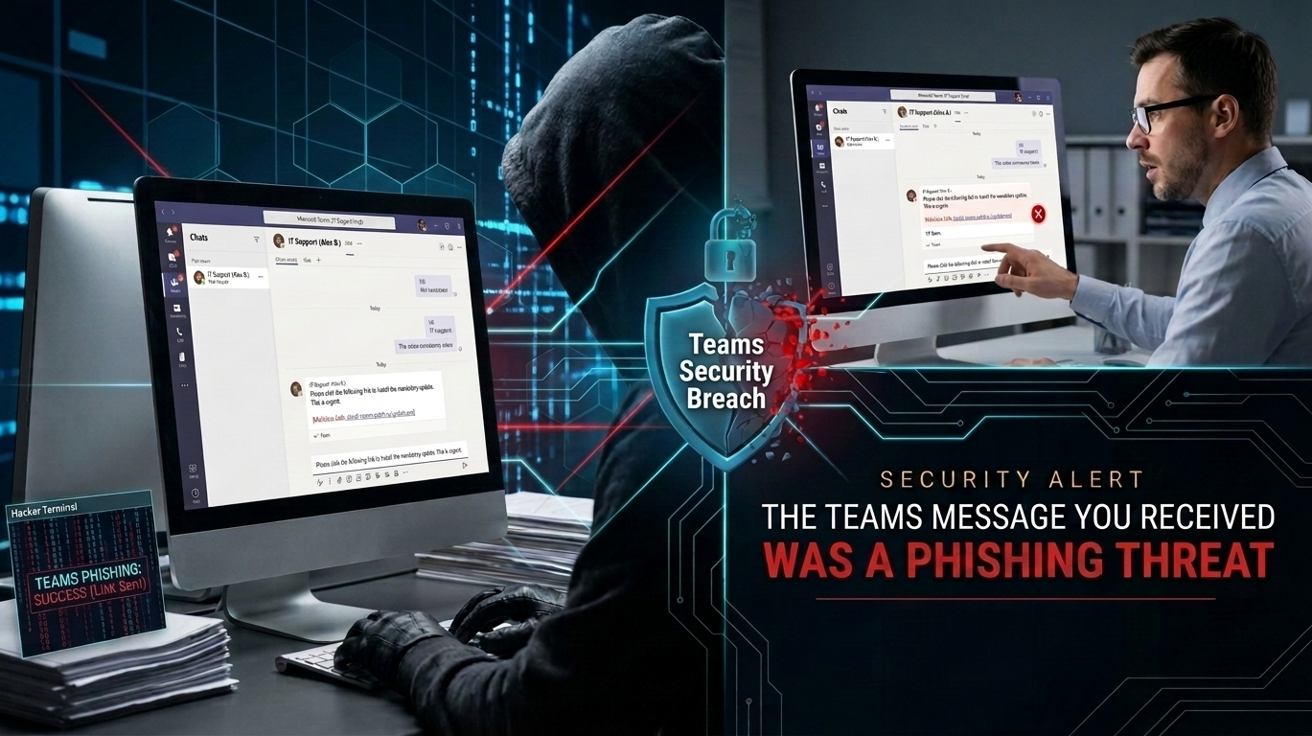
Hackers Are Pretending to Be Your IT Team and Succeeding. Microsoft Teams has been compromised by hackers yet again, and this time they’re trying to get their hands on your passwords.
SynkLoader is a new strain of malware which has been discovered by security researchers. It’s being deployed in a clever phishing campaign which attempts to trick Microsoft Teams users. With 8 million organizations in the US regularly using Teams, this makes it an attractive target for hackers. The attack involves employees being messaged from what is claimed to be a genuine member of their IT team. This so-called IT professional is offering technical assistance, but this is purely a front for a more malicious objective.
What Happens When You Click the Unknown?
The attack starts when the target receives a Teams message from their internal IT team asking them to install a piece of software. The file in question is a tool called PowerShell Cleaner. Hosted on Microsoft’s Azure cloud service, it appears genuine. Once installed, however, this file begins to unpack all manner of malicious components. All of this takes place in the background, with the victim unaware of anything nefarious taking place.
With a foothold established, SynkLoader gets to work, and it’s fair to say it’s as effective as it is ruthless. It immediately starts gathering information about the infected PC, such as user profile details, operating system data, and how many devices are connected to the network. To create a sustained attack, SynkLoader also sets itself up to run automatically whenever the victim logs on. Perhaps its most ‘impressive’ move is to install PhishLocker, a piece of malware which loads a fake Windows lock screen. Type your password into this and it becomes the property of the hackers.
Circulating since late July 2026, SynkLoader is a multi-layered campaign with the potential to cause significant damage. As well as stealing passwords, it can take control of desktops, and route its own traffic through hijacked internet connections. Security researchers believe this is only the beginning of the SynkLoader attack. It’s suspected that it could eventually be used to launch larger ransomware attacks.
Staying Safe on Microsoft Teams
It’s likely that your organization uses either Teams or a similar collaboration tool, so you need to remain vigilant against these threats. Ophtek has regularly encountered these types of attacks and we know how to keep you safe. Make sure you follow these best practices:
- Verify Before Installing: It’s unlikely that your IT team will contact an individual employee out of the blue and ask them to install something. This type of request is usually the result of a reported IT fault, so anything else should be scrutinized closely. In the event of an unsolicited request over Teams, verify it through a separate channel, e.g. a quick phone call to your IT desk.
- Check Your Lock Screen: If you notice anything unusual about your lock screen, report it immediately and do not enter any information into it. SynkLoader’s fake lock screen looks genuine, but it doesn’t act like a real lock screen. Pressing Alt + Tab will allow you to switch out of it, exposing the fact that it’s not genuine.
- Keep Your Antivirus Up to Date: The best way to stay ahead of malware is by keeping your antivirus software as strong as possible. Ensuring that all the latest updates are installed helps you achieve this. While malware such as SynkLoader is particularly deceptive, the best way of spotting unusual behavior and suspicious files is with an up-to-date antivirus tool.
For more ways to secure and optimize your business technology, contact your local IT professionals.