
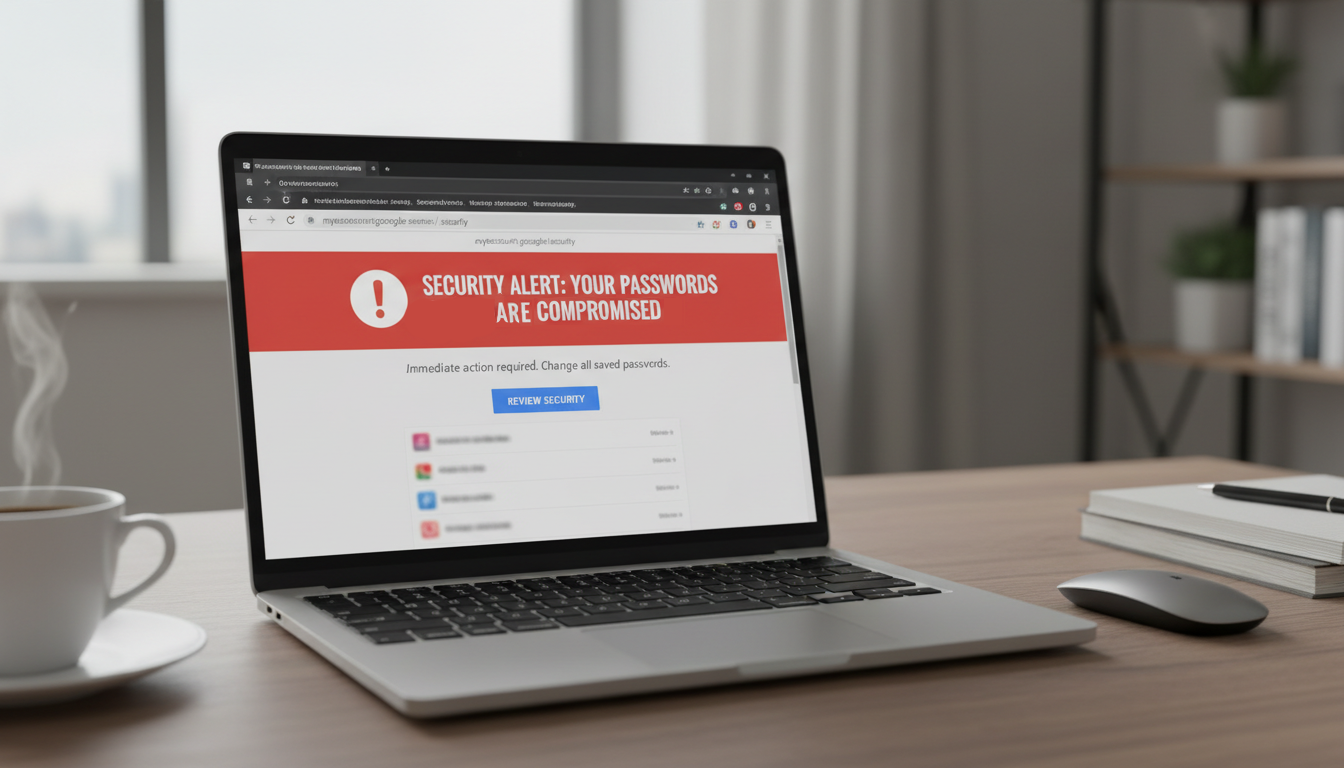
Your passwords are being stolen straight from your browser. A new wave of cyberattacks has hit the internet which specifically targets the passwords, files and login details you have stored inside your web browser.
Microsoft has revealed that there’s been a sharp rise in attacks using a piece of malware called ACR Stealer. While it’s been loose in the digital wild for a couple of years now, it’s likely that you’re unfamiliar with ACR Stealer. But if you fall victim to it, you’ll certainly know about it. ACR Stealer works, as you would expect, by making its way onto your PC and systematically stealing everything it can. This includes saved passwords in your browser, session cookies that keep you signed into websites, personal documents, and even files sitting on your desktop.
It’s a digital pickpocket with some serious skills, and it’s unlikely you would even notice it was there until it was too late. ACR Stealer is typically sold on criminal marketplaces as a Malware-as-a-Service (MaaS), meaning that those using it don’t need any technical skills.
ClickFix Strikes Again
Microsoft has highlighted a series of attacks between late April and mid-June that relied heavily on a technique called ClickFix. This is a social engineering trick which achieves its goal by manipulating PC users rather than breaking through a software vulnerability.
The attack usually finds victims encountering a fake error message on a website, or sometimes within a document, telling them something has gone wrong. To solve this problem, the user is urged to copy a command into their computer. To strengthen its attack, the page looks highly convincing. Examples observed by Microsoft include a Google Chrome warning, a Microsoft verification screen, or even a CAPTCHA prompt. Once the victim pastes the command into their PC, the infection begins.
This malicious command then contacts a remote server and downloads a hidden payload, this collects the malware without the victim realizing anything has been downloaded. One version of the attack has been identified where steganography was used to hide malware within an image file. Another version used public blockchain networks to receive malicious instructions from the attackers, making it much harder to detect as no specific server is involved.
Once installed, ACR Stealer sets about stealing browser data stored in Chrome and Edge, searches for PDFs and Microsoft 365 files, and targets cloud storage locations like OneDrive. Everything it finds is collected together and sent back to the attackers.
How Do You Protect Your PC Against ACR Stealer?
The good news is that a few sensible habits can go a long way when it comes to protecting yourself from this kind of attack:
- Never copy and paste commands: if a website tells you to open a command window and paste something into it, close that tab immediately. There’s a high chance that this is an attempt to run a dangerous command on your PC.
- Keep everything updated: Windows updates, browser updates and any security updates should always be applied as soon as they are available. Many cyberattacks rely on known vulnerabilities, so don’t delay with that update.
- Use a password manager: browsers are the most convenient place for saving passwords but they’re not the safest – this is where malware looks first. A dedicated password manager saves your credentials more securely and reduces what’s on offer to any hackers.
For more ways to secure and optimize your business technology, contact your local IT professionals.