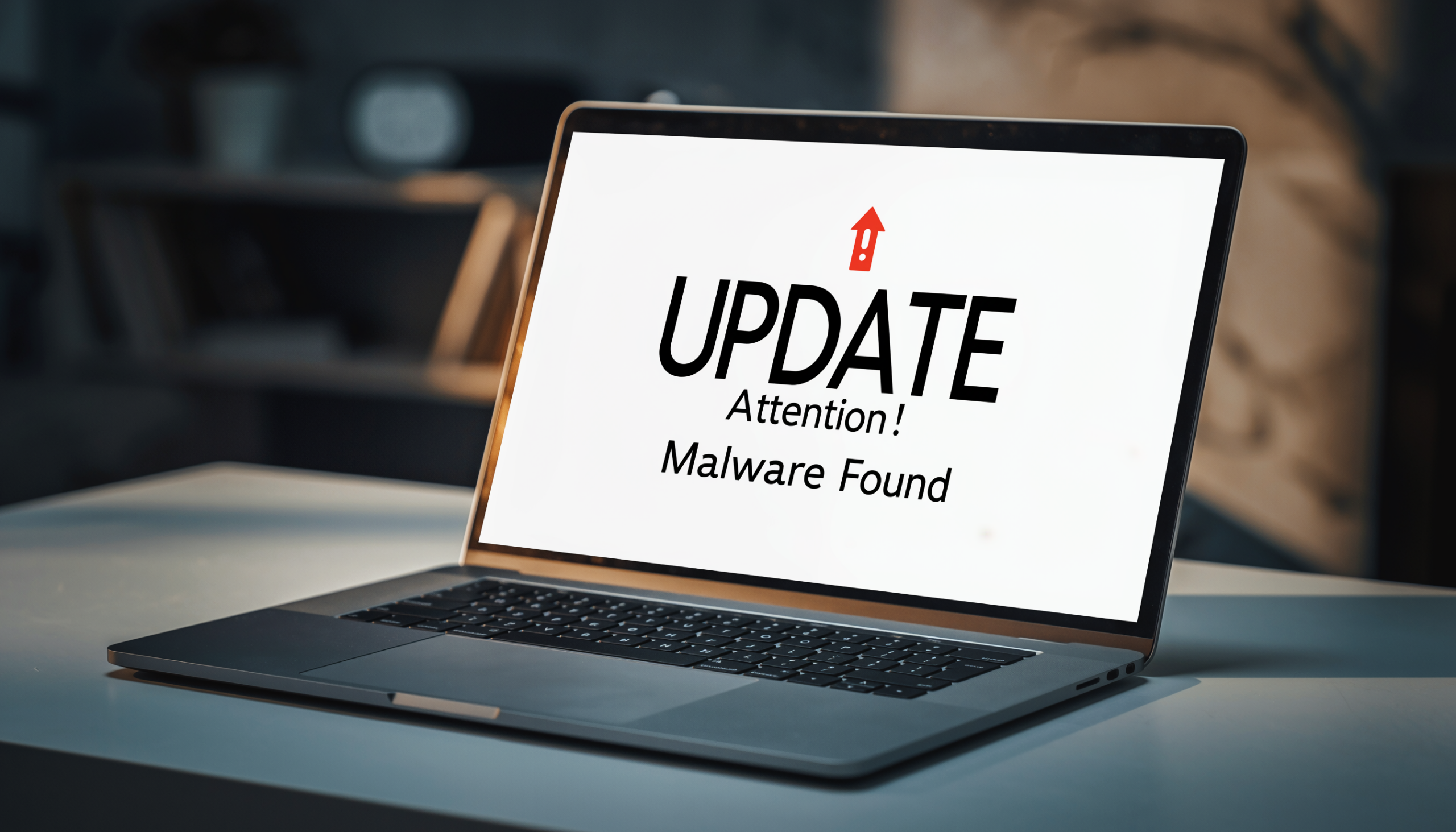
A new malware threat uses fake update prompts and hidden image tricks to secretly install dangerous programs on unsuspecting PCs.
Responsible PC users understand the importance of installing updates, especially when it’s an operating system update. Therefore, when people see a Windows update screen, they trust it and assume that it’s a routine maintenance update. However, this trust can easily be misplaced when it’s a hacker serving up the update screen. And, using the latest version of ClickFix, this is exactly what hackers are doing to sneak malware onto PCs.
Unleashing the Deception via an Update
This new ClickFix campaign avoids the predictable warnings and pop-ups urging users to install updates. Instead, it delivers a full screen “Windows Update” animation. To the untrained eye, it looks legitimate – the typical Windows colors and wording are in place – and it’s no surprise that a busy PC user would assume it’s anything less than a necessary update.
The attack starts when a user finds themselves on a compromised or malicious website. This website goes full screen and displays the fake Windows Update information which the victim is urged to initiate. Once this ‘update’ has completed, the page gives the user a further set of instructions: open the Run dialog, paste a command which has been copied to the clipboard, and allow this to be executed. This chain of events allows a script to run which loads hidden code in the form of a .PNG image file.
Using a technique called steganography – which hides secret data within a seemingly innocent file -the authors of the malware are able to embed an executable code within the image’s pixel data. Once the script runs, it decodes this hidden data and launched an infostealer. This slice of malware does exactly what it says on the tin: steals information. As a result, passwords, browser data, and any other sensitive information is at risk of being harvested. To make this attack difficult to detect, it all takes place within the PC’s memory.
Should You Be Worried About ClickFix?
This latest attack isn’t just innovative, it’s an important reminder that even the most harmless digital process or file can be weaponized to house malware. Updates, of course, are crucial for anyone who uses a PC and images are one of the central features of any internet experience. Accordingly, this attack could easily catch unsuspecting victims out.
But you don’t have to become a victim, especially when you’ve got Ophtek in your life. To help you stay safe, make sure you remember these three simple tips:
- Always be suspicious of unexpected prompts from webpages, especially if they relate to updates. Genuine system updates should only ever be downloaded through official channels.
- Remember that you should never copy and paste unknown commands into system dialogs on a PC unless you know exactly what you’re doing. This type of behavior could easily hand control of your PC to unknown parties.
- Never assume that an image is simply an image, as it could easily house hidden, malicious code. If you’re ever urged to interact with or download an image, resist temptation and run it past an IT professional first.
For more ways to secure and optimize your business technology, contact your local IT professionals.