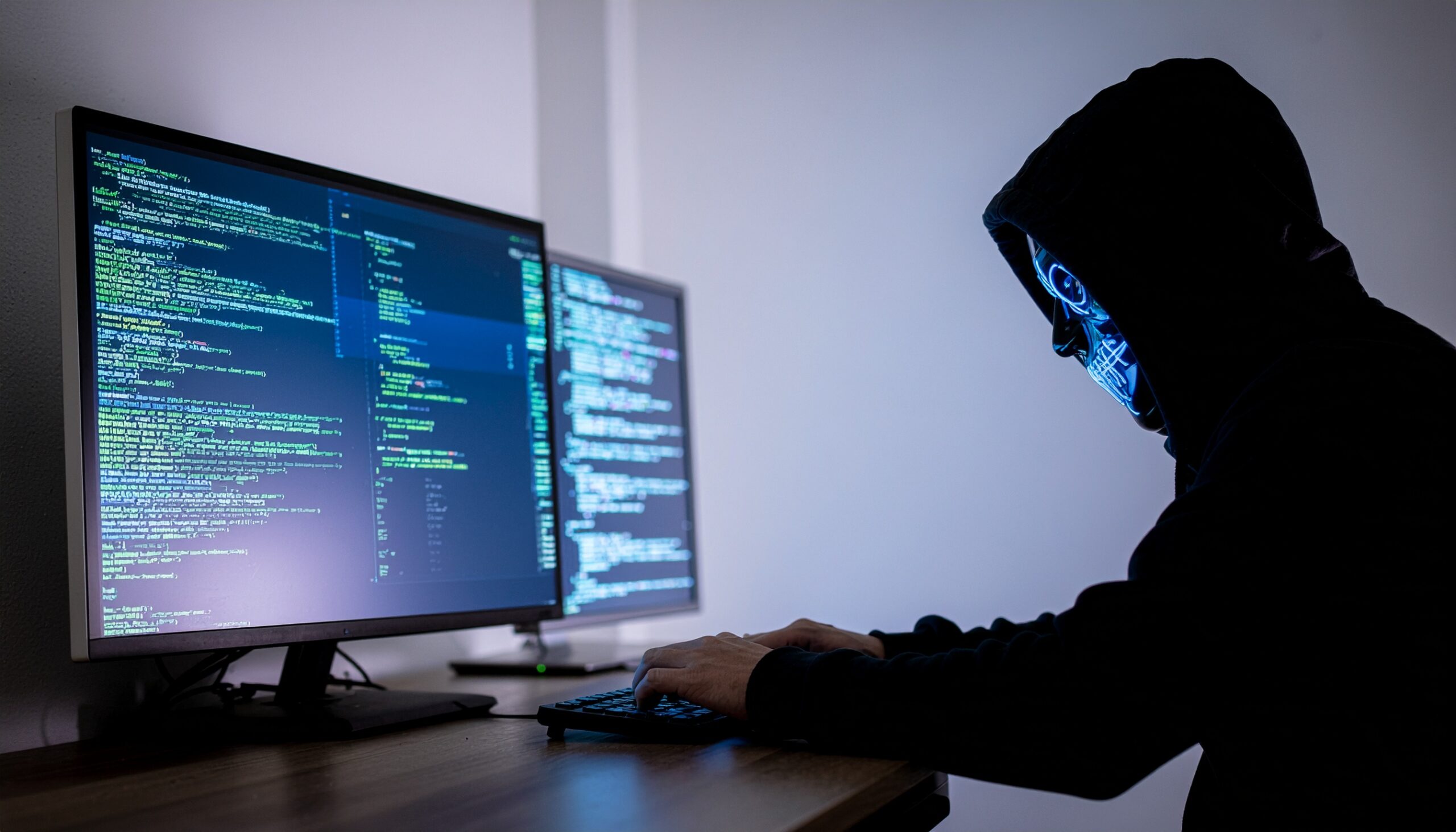
A clever trick using a deceptive URL is now being used to spread malware by impersonating Booking.com, so it’s crucial you always check before you click.
Cybercriminals are emailing fake Booking.com links which look almost 99% identical to the real thing. By using a sneaky character swap, they’re tricking users into clicking what appears to be a legitimate web address. However, once opened, these links don’t help you reserve your dream hotel. Instead, they serve you up a slice of malware. The character swap, itself, is a small visual trick, but it’s one with big consequences.
The Dangers of a Simple Character Swap
The attack was discovered by security researcher JAMESWT and, it has to be said, it’s an innovative method of attack. The attackers replace part of a Booking.com URL with the Japanese hiragana character “ん”. This is deceptive as, in many fonts, this character looks like “/n” or “/~”. Therefore, on certain systems or when a user is in a rush, this character can be used to help hide a phishing domain.
Once this malicious Booking.com link is clicked, users are redirected to a site which offers an MSI installer. A few versions of the same attack have been noted which attempt to spoof an Intuit URL by using the L character instead of I in the link. Whatever version of the attack is encountered, the end result is the same: an MSI installer is used to install various strains of malware on the victim’s PC.
And this isn’t the first time Booking.com has been used to deliver malware. Since November 2024, hackers have been launching phishing scams which involve CAPTCHAs. These emails pretend to be from Booking.com and encourage people into clicking a link. This link takes you to a malicious website containing what looks like a normal CAPTCHA page. Unfortunately, when you follow the instructions on the page, it launches a ClickFix attack which gives the hackers remote access to the affected PC.
How to Keep Your PC Safe
The Booking.com is a particularly devious attack, but what else would you expect from threat actors? Regardless of the nature of the attack, you don’t need to fall victim to this scam. Time and vigilance, as ever, are critical for protecting your IT infrastructure. So, to make sure your defenses remain robust, make sure you follow these three best practices:
- Always Verify Links: The use of a Japanese character in the Booking.com attack has wrongfooted many PC users. This is why it’s essential that you always verify links. The simplest way to double check a link is to hover your mouse cursor over it before clicking. This will reveal the true destination of the link.
- Don’t Be Rushed: One of the telltale signs of a phishing email is a sense of urgency to rush recipients into completing an action. Phishing emails often demand that you click a link or open an attachment as soon as possible to prevent a disastrous result, such as financial loss or a PC security issue. However, this urgency is simply there to get you to install malware as soon as possible.
- Use Antivirus Software: Using antivirus and anti-malware isn’t optional, it’s a necessity for any business which connects to the internet. These tools, which are regularly updated with the latest threats, ensure that you’re protected against malicious downloads, websites, and phishing emails.
For more ways to secure and optimize your business technology, contact your local IT professionals.