
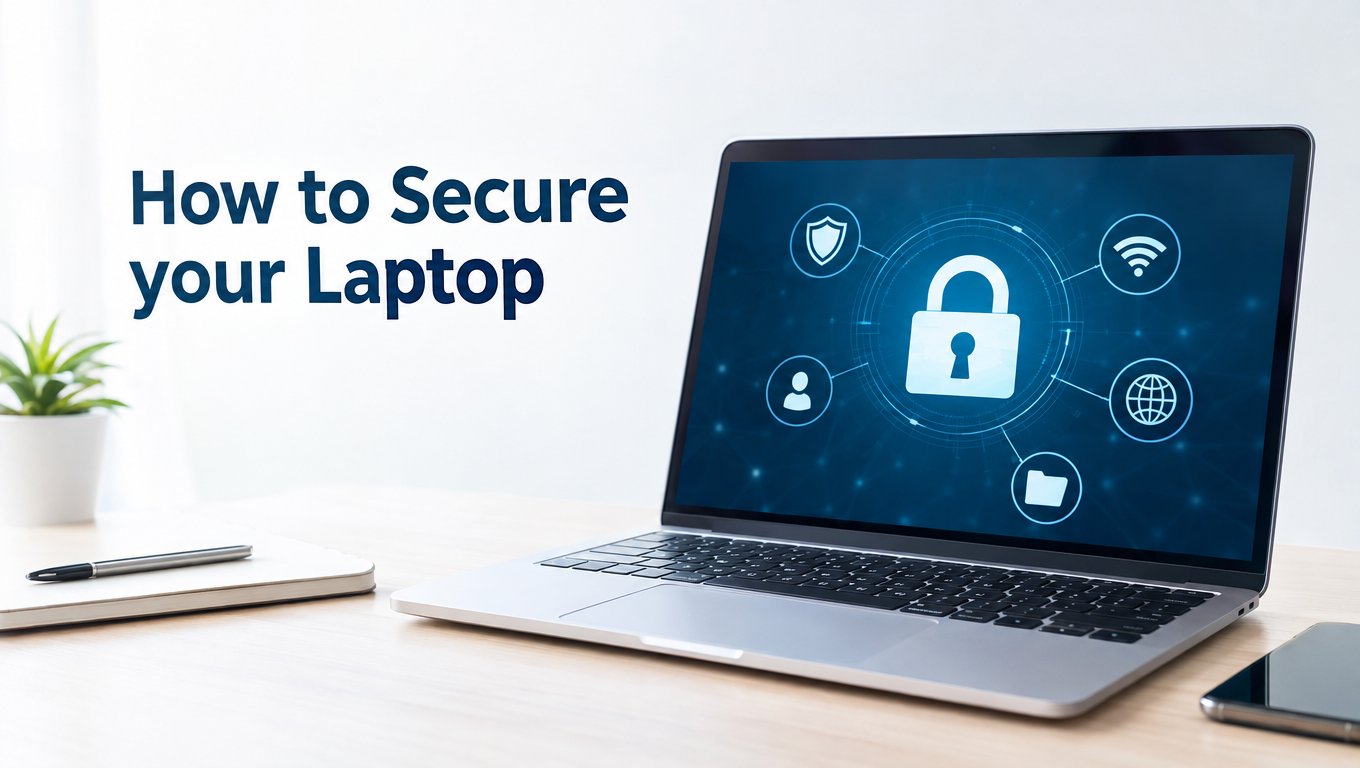
How to Secure your Laptop. Laptops provide a fantastic sense of accessibility and flexibility for employees, but it also puts them at risk of stolen data. So, how do you secure them?
Remote workers within your organization need to have laptops to allow them to connect to your servers and, of course, to get their work completed as effectively as someone within the main office. However, when you begin taking IT equipment out of your building, you begin to heighten the risk of data loss. Sure, sometimes this could be an accident due to misplacing your laptop when in public, but there’s no reason why a stolen laptop needs to be a security risk.
To help you understand how your organization can protect its laptops, we’re going to go through five best practices for securing laptops.
- A Password is Essential
Seeing as a laptop is a very personal piece of IT equipment, many owners fail to set a password as they feel they’re the only people who are ever going to use it. However, whilst no one else should be using your laptop, if it falls into the wrong hands then the lack of a password puts all your data at risk. Instead, endure the short login procedure and set a password to put up that all important security buffer.
- Backup Your Files
Laptops are just as susceptible to ransomware as laptops are, so regular backups are recommended. This ensures that, in the case of your laptop’s contents being locked down by a hacker, you still have access to as many as your files as you need. For a remote worker, this should extend to all vital documents and programs that are required on a daily basis as, remember, you can’t just head down to IT to pick up a new machine to start working on.
- Use Tracking Software
Tracking software can seriously improve your chances of retrieving your laptop and, these days, tracking software is relatively cheap and unobtrusive. Sometimes, your laptop won’t necessarily have been stolen, it may have been put down in public and your data will be secure enough to be safe anyway. Nonetheless, laptops aren’t cheap and tracking them down will save you costs and embarrassment.
- Install ALL Updates
Laptops will spend the majority of their time out of reach of your IT team and this means that the importance of installing updates needs to be hammered home to your remote workers. Without the latest updates in place, a laptop can soon become a ticking time bomb in terms of security as the number of loopholes developing will be very dangerous. Almost all updates require little more than the click of a button, but the difference these updates provide is monumental.
- Lock Up Your Laptop
The simplest and most direct way to secure a laptop is to lock it up when not in use. Okay, locks can be broken, but the potential hassle and hard work presented by a padlock is enough to put a potential thief off. And, with even highly sophisticated locks being available for next to nothing, there’s no excuse for not providing one with your laptops to reduce theft and data breaches.
For more ways to secure and optimize your business technology, contact your local IT professionals.


