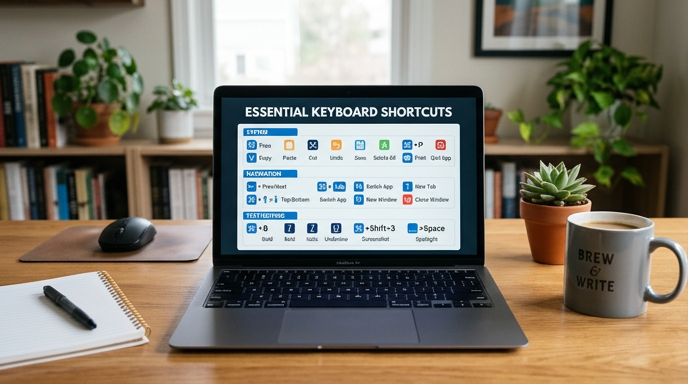
Keyboard shortcuts are an overlooked feature of the modern OS. Here are 28 shortcuts to keep your hands on the keyboard and to keep your productivity high.
Most of these actions can be easily done with keyboard shortcuts. The shortcuts have you press a combination of two keys at the same time to perform the action. Investing some time into learning these shortcuts and getting used to using them on a daily basis will significantly increase your work efficiency no matter what field you are in. Once you learn this way of navigating the UI there will be no going back! The following shortcuts are for computers running a Windows OS.
Action controller
- CTRL+Y, Redo the last section
- CTRL+Z, Undo the last action
For creating, opening, saving, and printing
- CTRL+N, Creates new file or web browser window
- CTRL+O, Open a file or document
- CTRL+S, Saves a file or webpage
- CTRL+P, Print all the selected areas
Format shortcuts
- CTRL+B, Bold
- CTRL+I, Italic
- CTRL+U, Underline
Browsers
- CTRL+T, Open a new tab in opened browser
- CTRL+Shift+T, Reopen previously closed tabs
- CTRL+H, Open browser history
- CTRL+W, Close window
- CTRL+F, Word search page
Screen Capture
- ALT+Print Screen, Capture screenshot of currently open window
- CTRL+Print screen, Capture the entire screen
Function keys
- F1: Open the Help Page
- F2: Rename file
- F3: Find or Search
- F4: Shows the address bar in browser
- F5: Refreshes the current browser page
Windows Shortcuts
- CTRL+Alt+Delete,Open the Windows Task Manager
- Alt+Tab, to move to the last working window
- WIN+D, Show desktop
- WIN+L, Lock desktop
- CTRL+Shift+N, Create new folder
- Shift+Delete, Permanently Delete file
- Alt+Enter or Alt+Double click, Go to properties screen for file or folder
For more ways to increase your office productivity, contact your local IT professionals.